
The best accounts payable automation software depends on the operating model: Tipalti and Basware fit complex global enterprises, BILL and Airbase suit teams seeking accessible spend workflows, and Loopfour fits finance teams that need deterministic, auditable workflows across ERP, CRM, billing, and legacy systems without replacing their core stack. In 2025, 73% of AP teams weren’t fully automated, and 27% had no automation at all, according to the IFOL Accounts Payable Automation Trends survey.
The popular advice is to choose the platform with the most AI or the highest advertised automation rate. That’s not enough. A system can capture invoice data and still leave staff handling exceptions, moving information between systems, and assembling evidence for auditors. Your auditors want the process to hold up after implementation, not just look efficient in a demo.
The strongest shortlist depends on global payment scope, ERP architecture, approval complexity, governance, secure legacy-system automation, and pricing transparency. This comparison distinguishes enterprise control from mid-market convenience, and dedicated AP suites from workflow infrastructure that works across an existing stack. For a practical view of how AP workflows really shift, start with the handoffs, controls, and systems your team needs to connect.
Table of Contents
- 1. Tipalti
- 2. Stampli
- 3. AvidXchange
- 4. Medius
- 5. Basware
- 6. Coupa Invoicing
- 7. SAP Concur Invoice
- 8. MineralTree TotalAP
- 9. Airbase
- 10. BILL
- Top 10 Accounts Payable Automation Software Comparison
- Choose for the Control Model You Need
1. Tipalti
Tipalti is a strong choice for finance teams that need supplier onboarding, invoice processing, approvals, and global payments in a connected AP system. Its broad scope suits organizations managing multiple entities, currencies, and supplier compliance requirements.
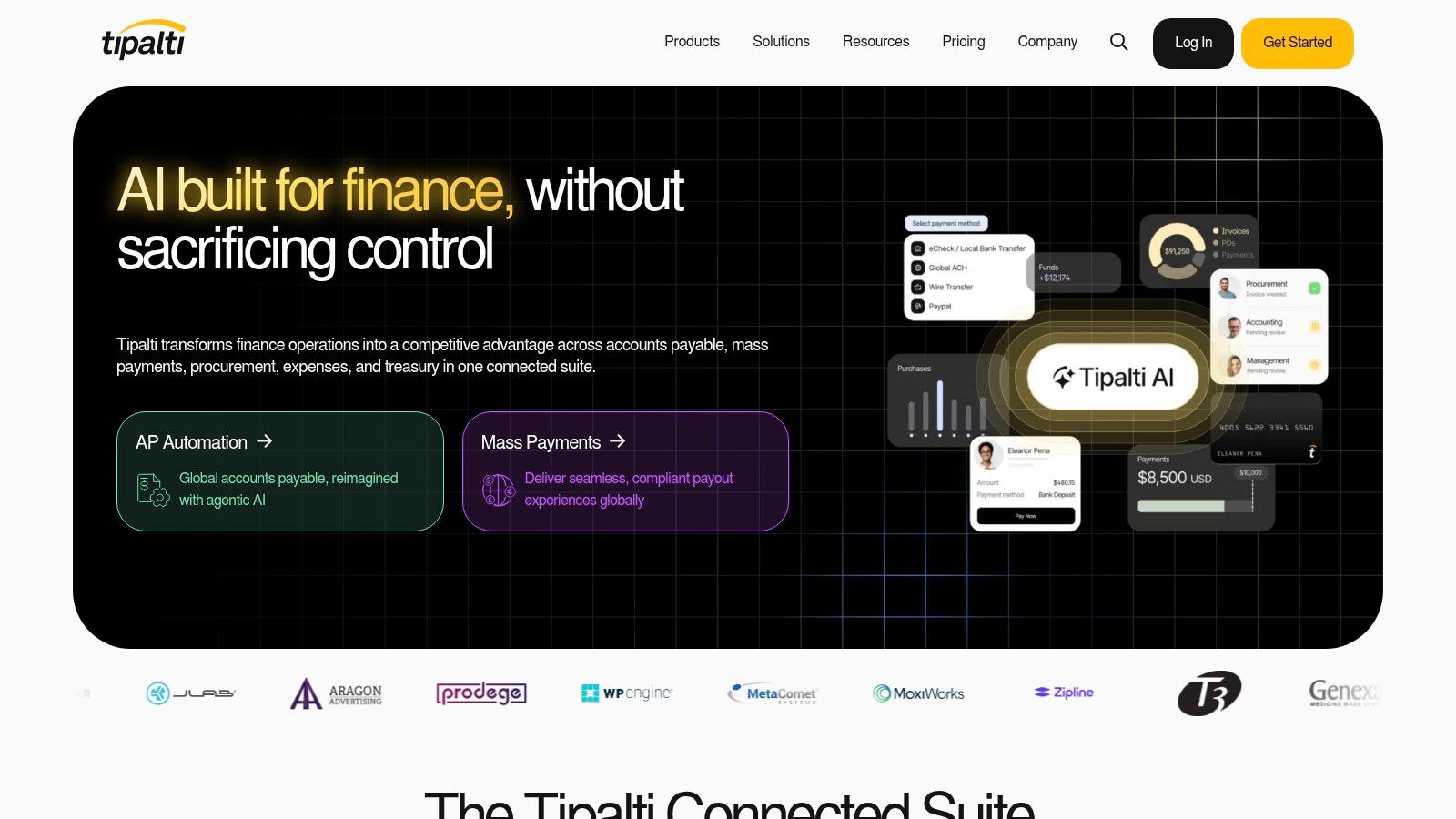
Tipalti combines supplier onboarding and tax-form collection with AI-assisted invoice capture, coding, purchase-order matching, and approval workflows. Global payment options include ACH, wires, and cards. Multi-entity tools, multi-currency support, reconciliation, and audit features give finance teams a shared view across invoice-to-pay.
That breadth is useful when AP work includes more than invoices. Supplier onboarding, tax validation, approvals, and payment execution can otherwise sit in separate systems. Teams comparing accounts payable automation solutions should test how invoice and supplier data move through their ERP, not only how quickly a document is captured.
Practical rule: Test supplier setup, invoice approval, payment release, and reconciliation as one controlled workflow.
Tipalti’s main tradeoff is implementation and commercial complexity. Smaller teams may find the platform broader than their immediate AP needs, and pricing or packaging can take more work to evaluate than lightweight tools. Finance leaders should ask for a clear scope, implementation plan, and explanation of payment-related fees before signing.
Best fit: Global or multi-entity organizations seeking a consolidated invoice-to-pay platform. See Tipalti’s AP platform.
2. Stampli
Stampli is a good fit when invoice collaboration and exception handling are central to AP work. Its defining strength is keeping invoice discussion, coding, and process history connected to the invoice record.
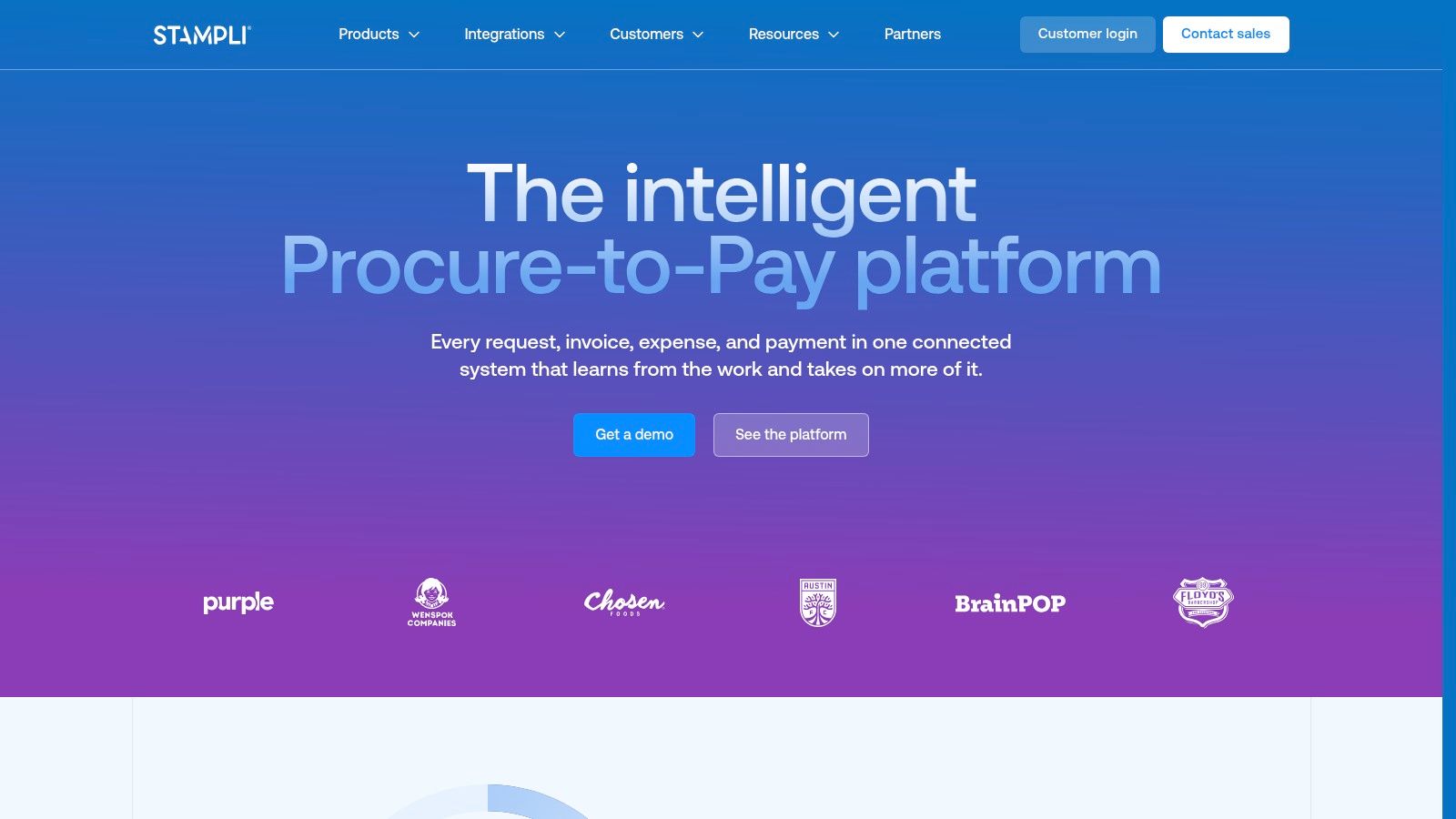
Stampli offers AI-assisted coding and purchase-order matching, with ERP-aware fields and validations intended to reduce synchronization errors. Discussions and changes stay tied to invoice records, giving approvers and AP staff a clearer history when questions arise. Broad ERP integrations support the workflow, while payment capabilities may require additional setup or partners.
That record-level collaboration can help teams avoid scattered email threads and informal approval decisions. It also makes the product worth evaluating for exception-heavy processes, where the context behind a coding or approval decision matters as much as the outcome. For a broader explanation of what accounts payable automation includes, consider the complete path from intake through posting and payment.
Invoice-level conversations are useful only when the approval outcome, supporting evidence, and ERP update remain traceable.
Stampli’s pricing is quote-based, and advanced modules can raise total cost. Teams should confirm which payment functions are included, which require partners, and how ERP validations behave when data changes or synchronization fails. A polished collaboration layer won’t compensate for gaps in integration or control design.
Best fit: Teams that want invoice-centered collaboration and a clear exception trail. Explore Stampli’s AP platform.
3. AvidXchange
AvidXchange suits mid-market organizations looking to combine invoice processing with payment execution. Its supplier payment network, ERP connectors, and industry-focused offerings can make it relevant where managed payment workflows matter.
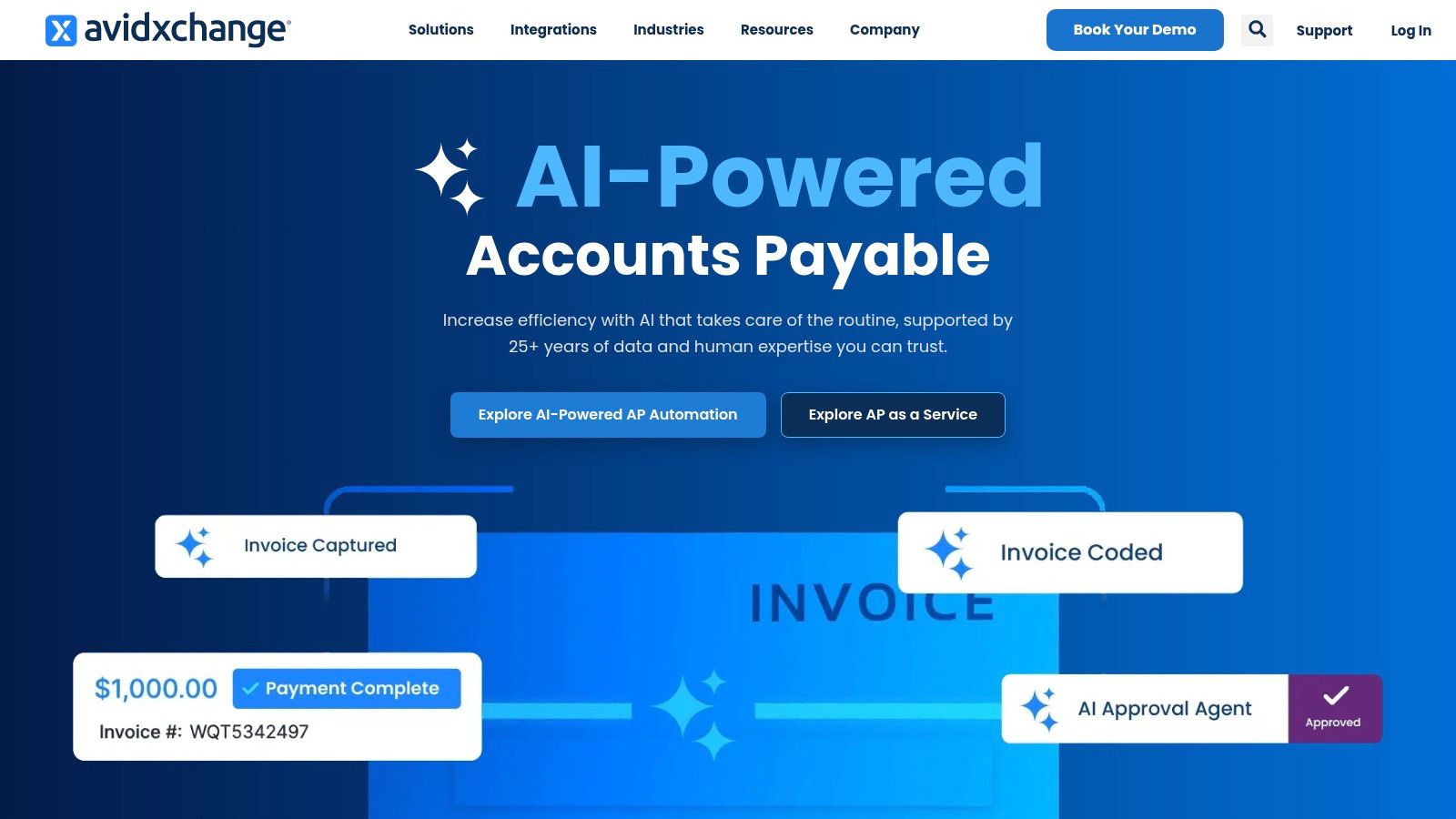
The platform supports invoice capture, coding, approvals, and integrated payments such as ACH and virtual cards. ERP connectors and marketplace listings provide options for connecting AP data with existing finance systems. Industry solutions cover areas including real estate, homeowners associations, and media.
AvidXchange is most compelling when finance wants a packaged invoice-to-pay process rather than a standalone capture tool. Before adopting the payment network, ask how suppliers are enrolled, how payment methods are presented, and whether the workflow preserves the evidence your auditors require. Teams looking at invoice processing automation should also test the handling of incomplete invoices and unmatched purchase orders.
The key limitation is commercial transparency. Pricing is quote-based, contracts may bundle payment programs, and some users report friction around vendor-payment upsells. Procurement should separate software fees from payment terms and require a written explanation of optional services.
Best fit: Mid-market teams seeking invoice automation alongside managed payment execution. Review AvidXchange’s platform.
4. Medius
Medius is a strong candidate for organizations that need a broad AP suite with matching, supplier interaction, analytics, and risk-related tools. It can suit teams that want governed access and room to scale without per-user expansion becoming the primary access model.
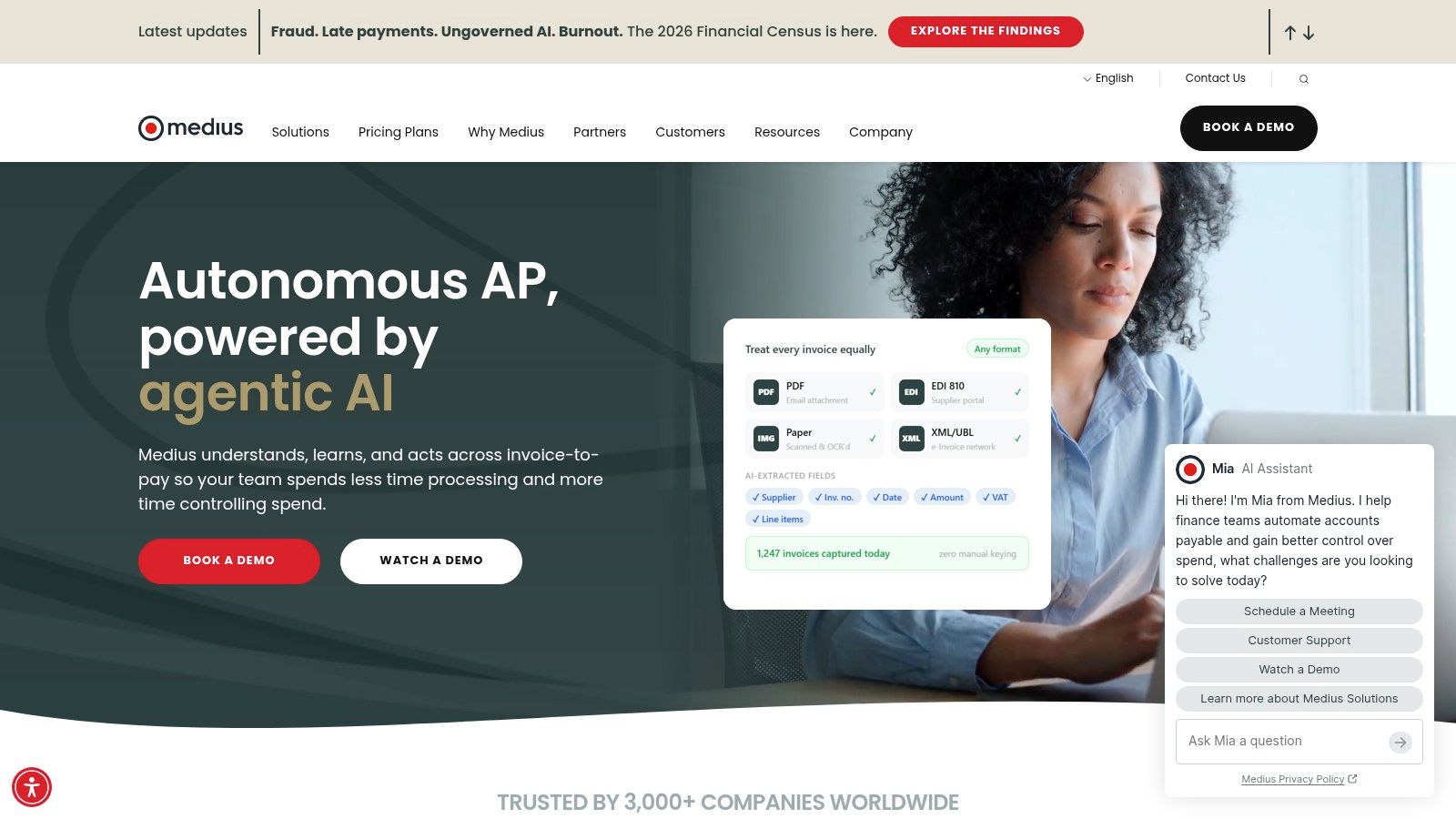
The platform includes multi-way matching, recurring invoices, prepayments, invoice capture, analytics, AI Copilot, and supplier conversations. Supplier-portal capabilities and fraud or risk detection support teams that want more supplier interaction inside the AP process. Package components can help buyers understand which capabilities are available at each level.
Medius also offers unlimited-user access, sandbox environments, and multi-entity capabilities depending on tier. That model may work well where many people participate in approvals. Finance teams should verify the exact tier requirements and test whether workflows enforce predefined approval rules, segregation of duties, and documented exception ownership.
The tradeoff is implementation scope. A broad suite can take longer to deploy, and final pricing remains quote-based. Buyers should get a detailed implementation plan and validate the depth of ERP integration before treating a feature list as proof of production readiness.
Best fit: Mid-market and enterprise teams with complex AP processes, many approvers, and broader suite needs. Visit Medius.
5. Basware
Basware fits enterprises with high-volume, multi-country AP operations and demanding e-invoicing or compliance requirements. It emphasizes global processing, integration, and auditability rather than lightweight adoption.
Basware offers AI- and machine-learning-driven invoice capture and matching, global e-invoicing capabilities, analytics, and supplier collaboration. APIs and developer resources support integration with ERP environments. Those capabilities matter when invoice formats, local rules, and operating entities vary across the organization.
Enterprise buyers should test the full invoice path, not just the capture layer. A benchmark of 183 SAP and SAP S/4HANA customer health checks found recognition rates ranging from 62.55% to 95.11%, while the average automated background-posting rate was 45.84%, according to the AP automation benchmark. The figures show why extraction accuracy and end-to-end posting should be measured separately.
Basware’s limitations are implementation effort and custom pricing. A global rollout needs careful validation of country-specific workflows, exception handling, ERP writes, and audit evidence. Require performance evidence segmented by invoice type and exception category rather than relying on a single blended automation claim.
Best fit: Large, multi-country organizations prioritizing e-invoicing, compliance, and high-volume operations. Explore Basware.
6. Coupa Invoicing
Coupa Invoicing is most compelling for organizations already adopting Coupa across procure-to-pay. It connects supplier invoicing with a broader business-spend ecosystem, rather than serving only as a standalone AP tool.
Coupa supports supplier e-invoicing through a portal, cXML, or email and PDF. Discounting and payment-acceleration signals, invoice APIs, marketplace extensions, and enterprise integrations extend the workflow. Governance controls can support organizations standardizing purchasing and AP across business units.
Don’t buy the broader suite by accident. Confirm which Coupa components your AP process actually needs.
Coupa’s wider ecosystem is an advantage when procurement and finance are aligning on shared supplier and invoice processes. It can also create unnecessary scope if the project is limited to invoice routing or ERP posting. Buyers should map the proposed workflows and integrations to current operating requirements before committing to a broad implementation.
Enterprise pricing is quote-based, and value may depend on using more of the Coupa suite. Ask for a transparent breakdown of licensing, implementation, and any required modules. Test how exceptions and changes in supplier or purchase-order data are recorded.
Best fit: Large organizations consolidating procurement and AP on a shared platform. Review Coupa Invoicing.
7. SAP Concur Invoice
SAP Concur Invoice suits organizations already using SAP or Concur that want consistent invoice and expense governance. Its strength is alignment with the broader SAP and Concur environment, not a payment-first model.
Concur Invoice supports invoice capture, line-level data extraction, policy-driven approvals, and audit trails. Integration options include SAP S/4HANA and other common ERPs. Mobile approvals and consolidated spend visibility can help organizations manage invoice and travel-related processes within a familiar environment.
The main question is how well the module covers AP requirements beyond capture and approval. Concur is less payments-centric than invoice-to-pay specialists, and some procurement or payment capabilities may require add-ons. Teams should verify how the product handles payment execution, exceptions, and evidence retention across their actual systems.
Pricing varies, and the right configuration depends on the wider SAP or Concur footprint. Finance leaders should test integration behavior and control ownership instead of assuming ecosystem alignment automatically means a complete AP workflow.
Best fit: SAP- or Concur-centered organizations seeking structured invoice controls alongside expense processes. Visit SAP Concur Invoice.
8. MineralTree TotalAP
MineralTree TotalAP is worth evaluating when a mid-market finance team wants invoice approvals and payment options with visible pricing mechanics. Its mix of cloud and on-premise ERP integration choices can suit varied technology environments.
TotalAP supports invoice capture, coding, and approvals, alongside ACH, check, and international payment options. Payment security controls include two-factor authentication, verification, and limits. The vendor outlines setup, platform, and usage components, giving buyers a more concrete basis for discussing total cost.
That pricing structure still depends on invoice and payment volumes. Finance should model expected usage and ask how fees change as activity grows. The product also has fewer out-of-the-box global compliance capabilities than enterprise suites, so teams with extensive cross-border requirements should validate coverage carefully.
Payment optimization guidance and projections can help inform payment decisions, but they don’t replace approval governance. Confirm that the system maintains named approvers, records exceptions, and supports the audit evidence required by the organization.
Best fit: Mid-market teams seeking invoice-to-payment functions and a clearer pricing structure. See MineralTree TotalAP.
9. Airbase
Airbase is a strong option for finance teams that want AP alongside procurement, cards, and reimbursements in one spend-management platform. It’s less compelling when the project is strictly invoice automation and broader spend controls aren’t in scope.
Airbase supports invoice capture, coding rules, purchase-order matching, and amortization. Payment options include ACH, checks, wires, and virtual cards, with vendor-portal and scheduled-payment features. Procurement, expense, and card modules give finance a way to connect AP decisions to other non-payroll spending.
The breadth can help standardize approvals and payment choices across functions. It can also lengthen rollout if the organization tries to deploy the full suite at once. Teams should define the AP scope first, then decide whether adjacent spend modules solve a real control or workflow problem.
Pricing is quote-based and varies by module and scale. Ask which capabilities are included in the proposed configuration and how approval evidence, vendor changes, and payment controls are retained.
Best fit: Teams consolidating AP and wider non-payroll spend workflows. Explore Airbase.
10. BILL
BILL is a practical choice for small and mid-sized businesses seeking accessible AP and AR workflows with familiar accounting integrations. Published plan structures and per-user pricing can make early evaluation easier.
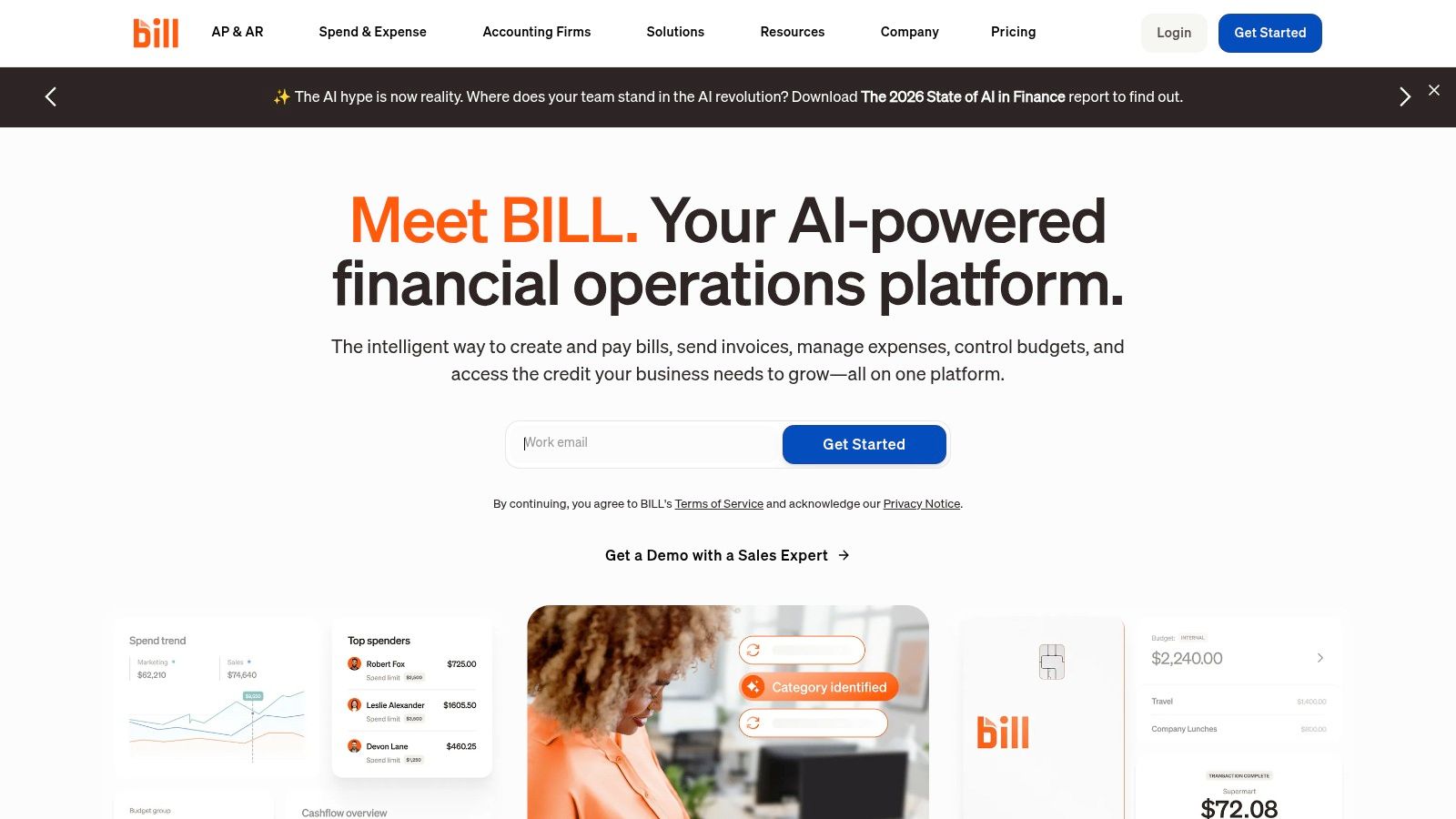
BILL offers AI-assisted data capture, approval routing, and audit trails, with ACH, check, and wire payment options. Integrations include NetSuite, Sage Intacct, QuickBooks, and Xero. Multi-entity support options and procurement or spend features give growing teams room to add controls.
The main tradeoff is fit. Per-user pricing can become expensive when many approvers participate, and complex purchase-order matching or global compliance may require add-ons or a different platform. Finance leaders should test these requirements directly rather than assume a convenient accounting integration covers advanced workflow needs.
BILL can offer a straightforward starting point for teams that need bill approval and payment coordination without a large enterprise suite. Its limits become more important as entity structure, matching rules, payment controls, and audit requirements grow.
Best fit: Lean finance teams prioritizing accessible AP and accounting-system connectivity. Review BILL.
Top 10 Accounts Payable Automation Software Comparison
| Platform | Core AP Capabilities | Standout Strength | Best Fit | Pricing |
|---|---|---|---|---|
| Tipalti | Supplier onboarding, invoice processing, approvals, global payments | International payments and compliance across entities | Mid-market and enterprise teams with global operations | Quote-based; packaging may be complex |
| Stampli | Invoice capture, coding, PO matching, approvals | Invoice-level collaboration and ERP-aware validation | Teams focused on AP exception handling | Quote-based; advanced modules may add cost |
| AvidXchange | Invoice capture, approvals, ACH and virtual card payments | Integrated payment network and industry solutions | Middle-market organizations seeking invoice-to-pay | Quote-based; contract terms may vary |
| Medius | Invoice matching, risk detection, analytics, supplier portal | Fraud controls and unlimited users on some plans | Growing teams needing governed, scalable AP | Quote-based |
| Basware | Invoice capture, matching, e-invoicing, analytics | Global compliance and high-volume processing | Large, multinational enterprises | Tailored, quote-based |
| Coupa Invoicing | Supplier e-invoicing, discounting, integrations | Broad spend-management ecosystem | Organizations already using or adopting Coupa | Enterprise, quote-based |
| SAP Concur Invoice | Invoice capture, coding, policy-based approvals | Connects AP controls with SAP and Concur processes | Organizations using SAP or Concur | Varies; some features may cost extra |
| MineralTree TotalAP | Invoice workflows, approvals, domestic and international payments | Cloud and on-premise ERP support | Mid-market and enterprise finance teams | Setup, platform, and usage fees; volume affects cost |
| Airbase | Invoice workflows, payments, procurement, cards, expenses | Unifies AP with broader spend management | Teams standardizing non-payroll spend | Quote-based; varies by modules and scale |
| BILL | Invoice capture, approvals, payments, accounting integrations | Published plans and broad SMB accounting integrations | U.S. small and mid-sized businesses | Published plans; per-user costs may add up |
Choose for the Control Model You Need
The best accounts payable automation software is the platform that fits transaction volume, ERP architecture, approval design, payment needs, and audit obligations. A feature list doesn’t prove that a workflow is controlled. Require evidence that approvals, exceptions, and system writes are predefined, traceable, and governed.
The economic case is substantial, but finance teams should tie it to their own operating baseline. Ardent Partners’ 2025 metrics, reported by Parseur, put average invoice-processing cost at $9.40, compared with $2.78 for best-in-class AP teams, a $6.62 gap per invoice, according to U.S. Bank’s summary of manual AP process risks. That benchmark is a reason to measure cost per invoice, not a promise of savings from any one product.
Before signing, test the operating model across:
- ERP and CRM connectivity: Confirm how invoice, supplier, approval, and payment data move across systems, including what happens when a sync fails.
- Deterministic execution: Check that predefined workflow steps, approval rules, and system writes are versioned and inspectable.
- Exception routing: Verify that exceptions go to named owners, with decisions and supporting records preserved.
- Governance and evidence: Assess permissions, segregation of duties, change control, and exportable execution logs. COSO identifies monitoring as one component of effective internal control, alongside control environment, risk assessment, control activities, and information and communication, as outlined in the GAO’s COSO framework document.
- Secure legacy automation: If a finance system lacks APIs, test how browser automation controls access and records each action.
- Payment scope and cost: Separate software fees, payment fees, implementation, and usage charges. Check whether the platform supports your payment model without weakening approval controls.
Loopfour, the deterministic finance workflow automation platform, is worth evaluating when your team needs governed workflows across ERP, CRM, billing, documents, and legacy systems while preserving execution evidence. Loopfour Studio supports workflows on existing tools, while AI Copilot can be scoped to interpretation tasks with human review for exceptions. That approach positions Loopfour as finance workflow automation and FinOps infrastructure, not a replacement for a core ERP or payment system.
Set a baseline before selecting a vendor. Compare invoice-processing cost, approval time, exception rates, and the share of invoices completed without manual intervention. The 2026 Ardent Partners benchmark published by Basware reports differences between best-in-class and other teams in processing cost, approval time, and touchless processing, reinforcing the need to define those measures before implementation. Then require each finalist to demonstrate the controls and evidence your auditors will expect after go-live.
What should finance teams look for in AP automation software?
Finance teams should evaluate ERP connectivity, invoice validation, approval controls, exception routing, payment scope, and audit evidence. Ask vendors to demonstrate a complete workflow, including failed integrations and exceptions, rather than only a clean invoice capture.
Which AP platforms suit complex global enterprises?
Tipalti and Basware are strong candidates for global or multi-entity operations. Tipalti combines supplier onboarding and global payments with invoice processing, while Basware focuses on high-volume and multi-country e-invoicing needs. Compare implementation scope, compliance coverage, and ERP integration against your operating model.
Which AP software is more accessible for smaller finance teams?
BILL and Airbase are practical options for teams seeking accessible workflows. BILL emphasizes AP and AR automation with accounting integrations, while Airbase combines AP with procurement, cards, and reimbursements. Confirm the total cost and whether the platform’s scope matches the team’s needs.
Should AP automation software include payments?
Payment capabilities should match your existing banking and control model. Platforms such as Tipalti and AvidXchange combine invoice workflows with payment execution, while other setups may rely on separate payment systems. Verify approval evidence, payment security, reconciliation, and fee structure before choosing.
How should finance leaders evaluate AI in AP?
Evaluate the work AI performs, the human fallback, and the evidence retained. The IFOL survey found that 29% of respondents used AI in AP processes in 2025, up from 7% in 2024, according to the 2025 digital invoice processing benchmark report. Ask vendors to distinguish document interpretation from approval decisions and system execution.
Loopfour builds deterministic, auditable finance workflows across the ERP, CRM, billing, document, and legacy systems your team already uses. For accounts payable, Loopfour can help connect invoice intake, validation, approvals, ERP posting, and exception evidence without replacing your core stack.